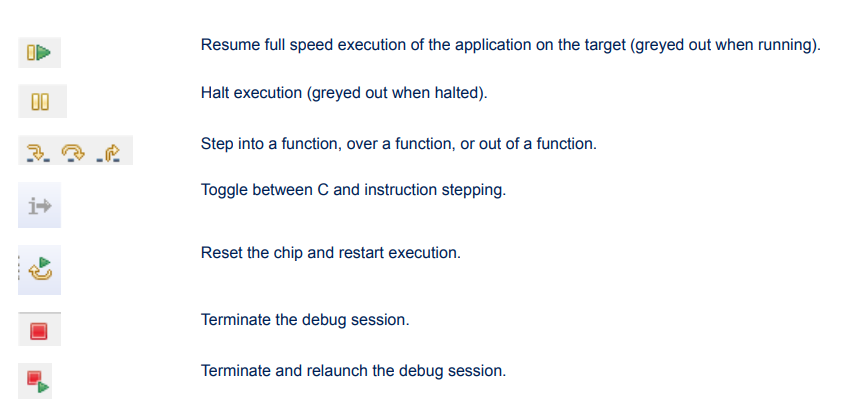
The debug toolbar’s icons are collected in Figure 7.2.2. The three used constantly: Resume (run to the next breakpoint), Step Over (execute one line, without descending into function calls), and Terminate (end the session). Step Into descends into a called function; Terminate and Relaunch and Reset the chip and restart execution are the two escape hatches when a session goes sideways.
Figure7.2.2.The main debugger control icons in STM32CubeIDE: resume, halt, the three step variants (into / over / out), C-versus-instruction stepping, reset-and-restart, terminate, and terminate-and-relaunch.
Two habits keep sessions healthy. Run one debug session at a time. Most of the debugger’s mysterious misbehavior traces to a previous session left running; terminate before you relaunch. And never single-step into a long software delay loop; if you land in one, Terminate and Relaunch is faster than clicking your way out.