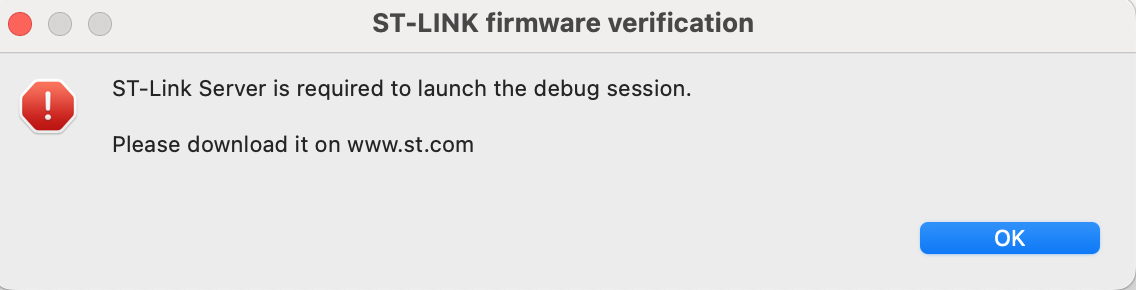
Early in the installation process there is a step which installs an auxiliary component called ST-LINK Server, which is easy to overlook. If you see a dialog like the one in Figure D.4.3 when you try to launch, you will need to install the server manually. Download the installation package from the ST-LINK Server page on st.com and follow the directions to get it installed. You will need to restart the IDE after you have installed the server.
FigureD.4.3.The message STM32CubeIDE shows when ST-LINK Server is not installed. Its title bar reads ST-LINK firmware verification, like the firmware warning in Figure D.4.1; the message itself is what tells the two apart.