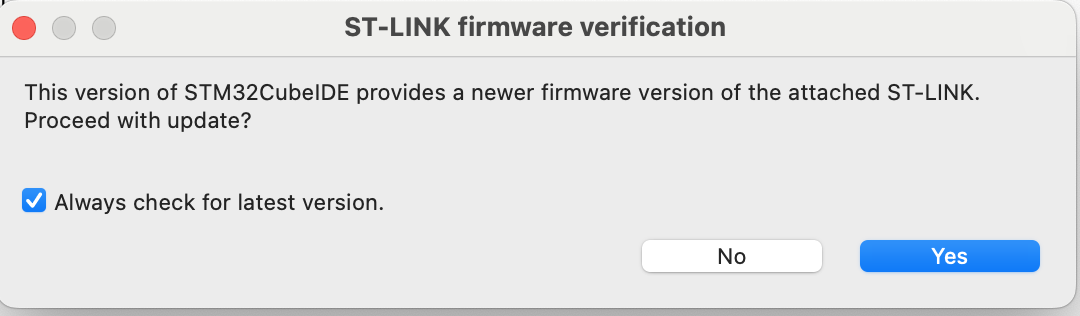
If you see a warning like the one in Figure D.4.1 when attempting to run your code, you need to update the firmware of the ST-LINK, the programmer and debugger built into your Nucleo board.
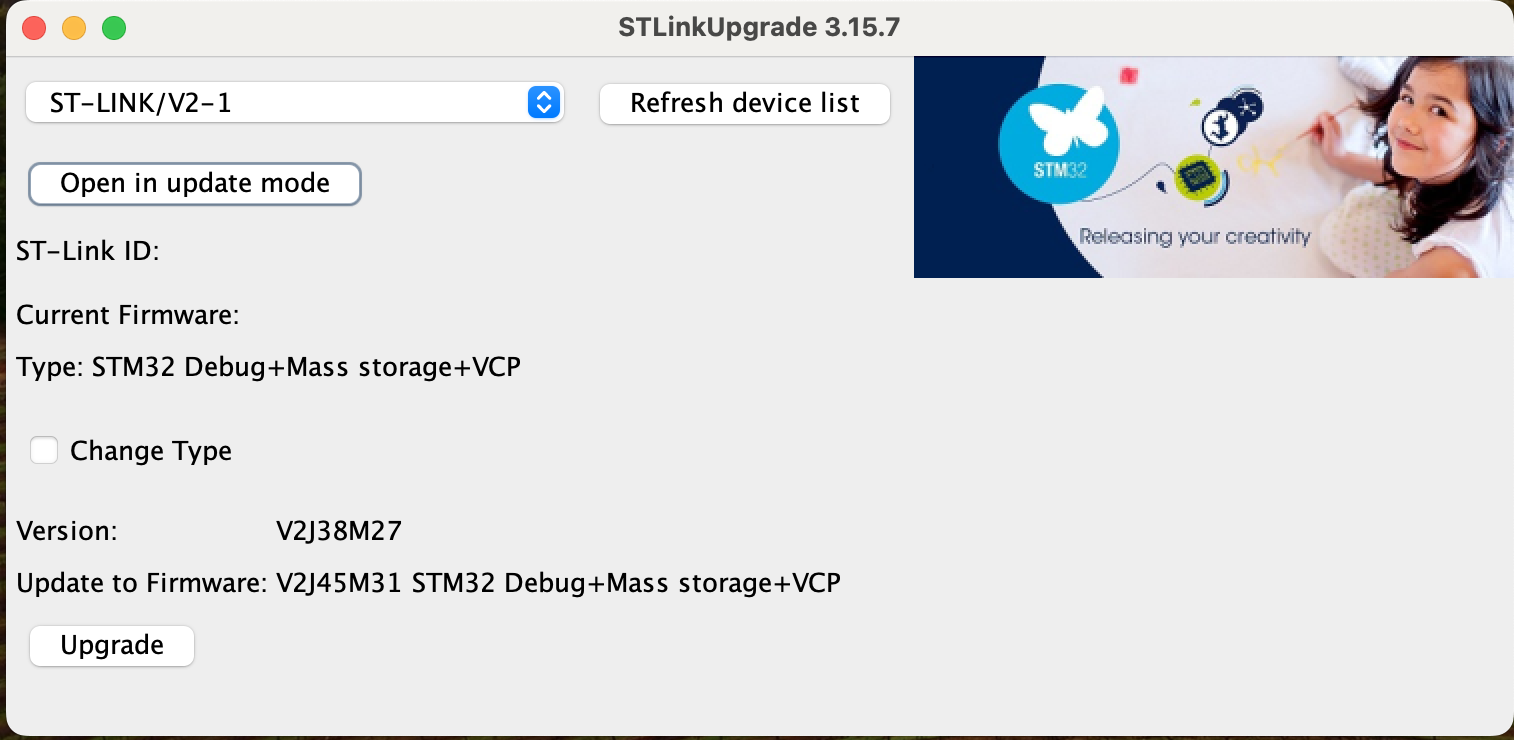
Click Yes. This will open another tool, STLinkUpgrade. Press Open in update mode, then click Upgrade. After a minute or so, you should get a confirmation that the upgrade was successful. You can now quit this program and return to the IDE to finish loading Blinky.
FigureD.4.2.STLinkUpgrade after Open in update mode has been pressed. It shows the current firmware version and the version it will install; Upgrade starts the update.